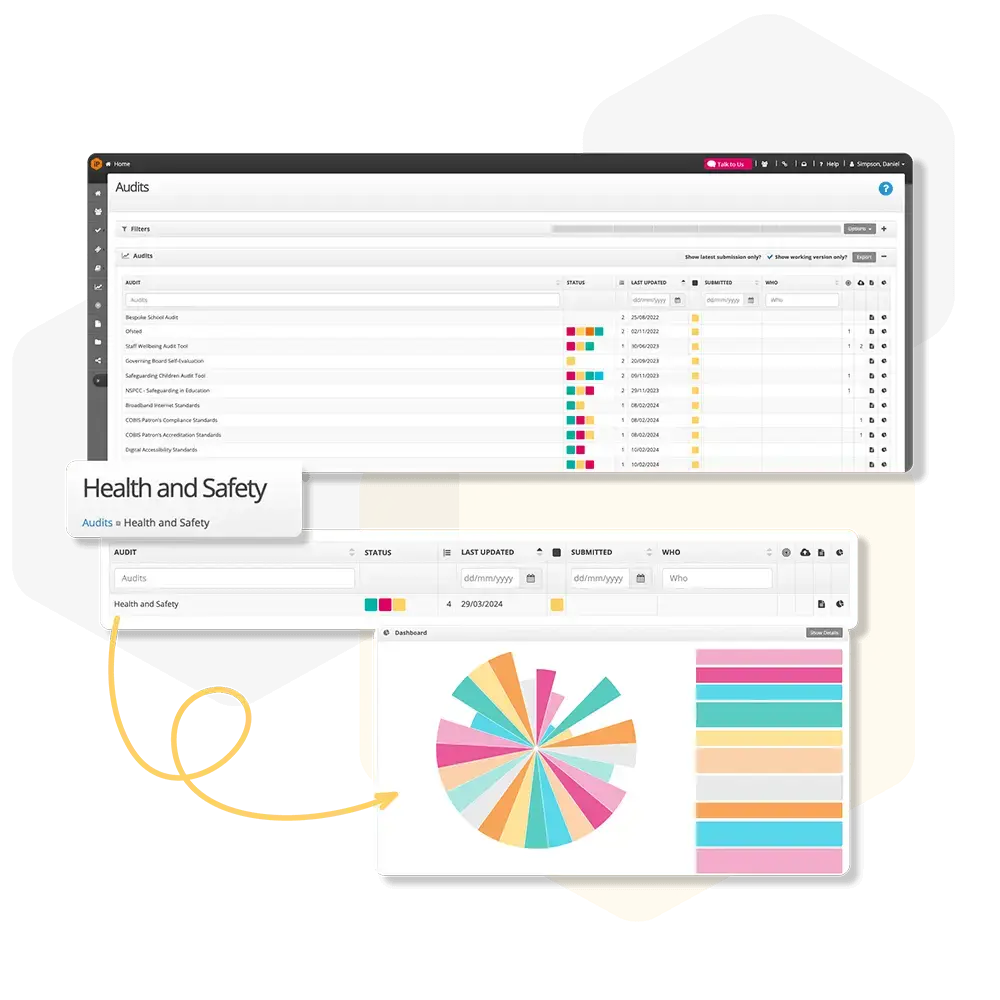
Audit Settings Overview
Manage how audits are displayed, organised, imported, and restored. Configure general settings, key stages, question scoring, audit types, and access archived or imported forms easily.
How do I add audit ratings?
Get an overview of how to create and apply audit question ratings, including setting up options, scoring, and adding guidance to ensure consistent audit assessments.
How do I import an audit
Learn how to share audits with other schools or across your trust.
How do I restore an audit?
Restore previously removed audits quickly from the settings area.
How do I add key stages?
Add key stages to show the year groups staff teach. Set up new key stages quickly from your audits settings.
How do I create an audit section
Add and configure sections within an audit, including visibility and access settings.