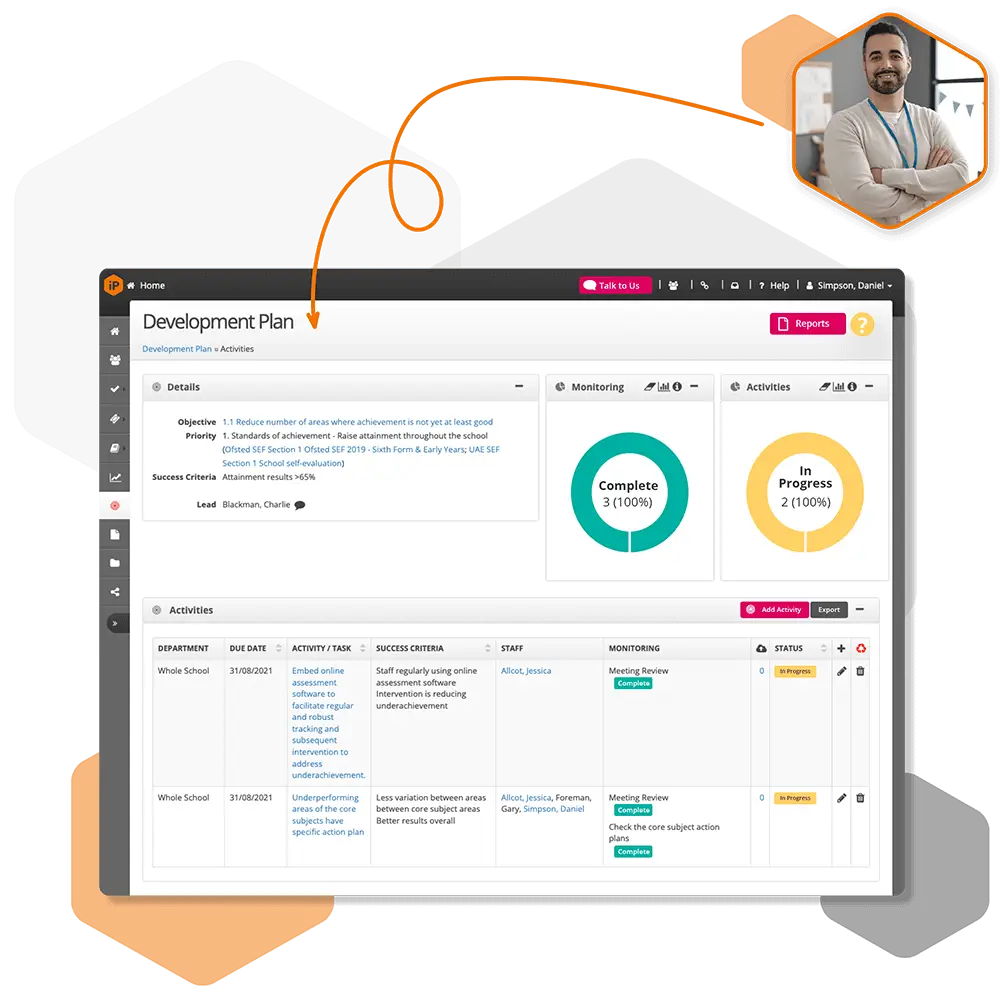
If you need to close a review where some objectives are only partially met, you'll need to update the Partially Met objective status so it is treated as complete.
Go to Settings.
Select Review, then click Objectives.
Scroll down to the Objective Status section.
Click Edit next to Partially Met.
Enable the option "Are objectives with this status considered complete?".
Click Save to apply the change.
Once this setting is enabled, objectives marked as Partially Met will be considered complete, allowing the review to be closed.

 For schools and academies
Complete school improvement software to plan, monitor and evaluate with confidence.
Explore SchooliP →
For schools and academies
Complete school improvement software to plan, monitor and evaluate with confidence.
Explore SchooliP →
 For multi-academy trusts
Complete trust-wide school improvement software to plan, monitor and evaluate performance with confidence.
Explore SchooliP →
For multi-academy trusts
Complete trust-wide school improvement software to plan, monitor and evaluate performance with confidence.
Explore SchooliP →
 For further education
Powering quality, compliance and curriculum excellence in colleges.
Explore CollegeiP →
For further education
Powering quality, compliance and curriculum excellence in colleges.
Explore CollegeiP →