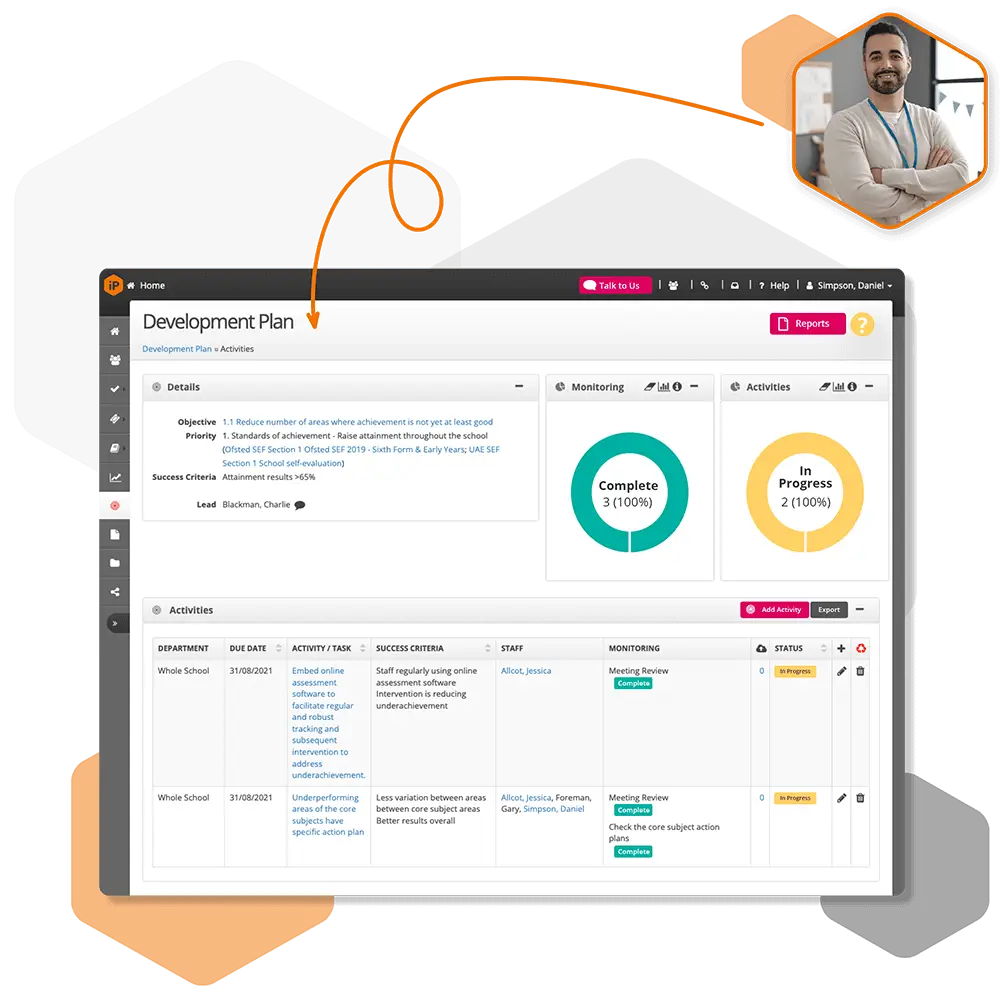
The My Staff section provides a general overview of staff objectives and standards. Colour-coded indicators allow you to quickly track progress toward current targets.
You can filter the view to focus on specific groups of staff, such as those you manage, collaborate with, or staff who report to your team
Filters and Options
My Staff Filters
There are three main filters under the My Staff heading:
All Staff
All My Staff
Only Staff I Manage
Note: To view subordinate staff, adjust your settings:
Other Options
At the top of the My Staff screen, you can further filter and organise staff by:
These filters allow you to quickly find the staff members whose reviews you need to access.

 For schools and academies
Complete school improvement software to plan, monitor and evaluate with confidence.
Explore SchooliP →
For schools and academies
Complete school improvement software to plan, monitor and evaluate with confidence.
Explore SchooliP →
 For multi-academy trusts
Complete trust-wide school improvement software to plan, monitor and evaluate performance with confidence.
Explore SchooliP →
For multi-academy trusts
Complete trust-wide school improvement software to plan, monitor and evaluate performance with confidence.
Explore SchooliP →
 For further education
Powering quality, compliance and curriculum excellence in colleges.
Explore CollegeiP →
For further education
Powering quality, compliance and curriculum excellence in colleges.
Explore CollegeiP →