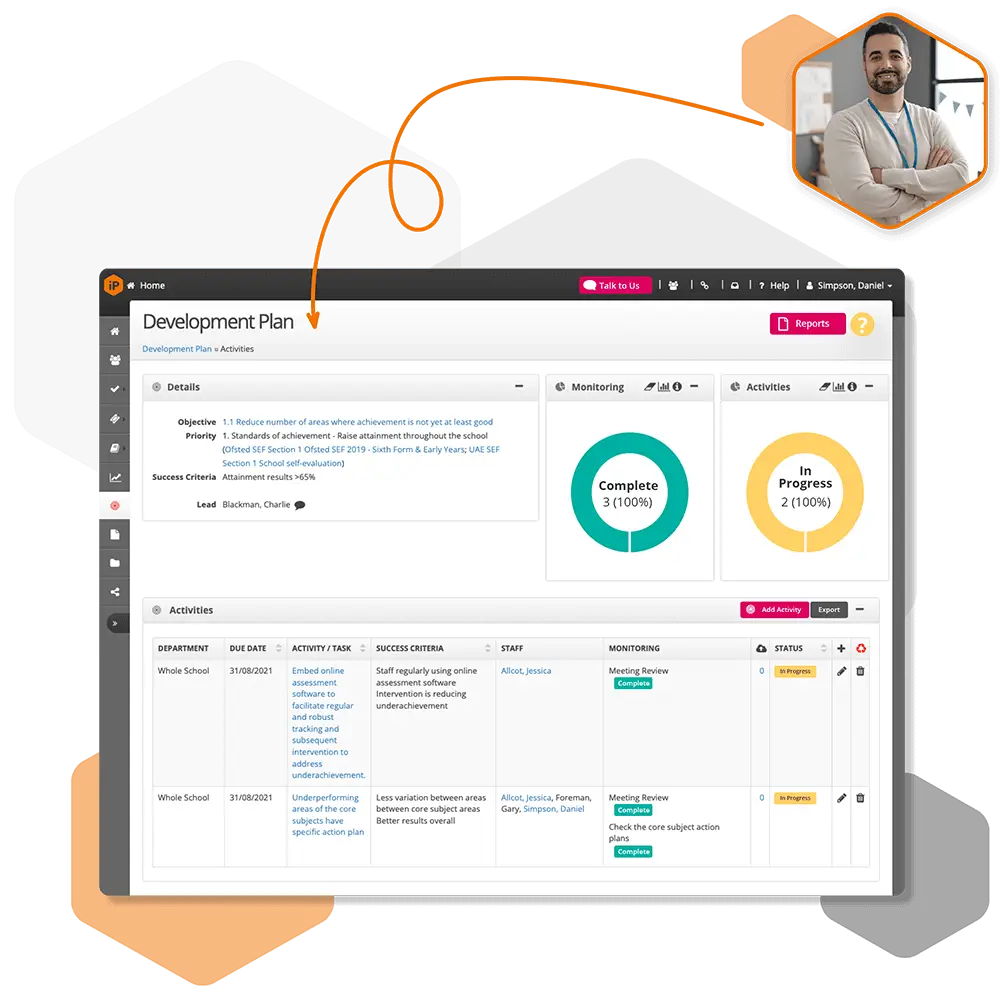
Progress during coaching can be recorded by creating a Coaching CPD Activity.
The Coaching CPD Activity can be added from the reviewee’s work area within their portfolio.
Adding a Coach as a Collaborator
If the coach is not the line manager, they must be added as a collaborator to contribute to blogs, evidence, and progress tracking
Ensure the coach has the Collaborator user right
Go to the Staff Summary page of the teacher being coached
Add the coach as a collaborator
Assign rights to allow the coach to view and contribute to blogs and evidence

 For schools and academies
Complete school improvement software to plan, monitor and evaluate with confidence.
Explore SchooliP →
For schools and academies
Complete school improvement software to plan, monitor and evaluate with confidence.
Explore SchooliP →
 For multi-academy trusts
Complete trust-wide school improvement software to plan, monitor and evaluate performance with confidence.
Explore SchooliP →
For multi-academy trusts
Complete trust-wide school improvement software to plan, monitor and evaluate performance with confidence.
Explore SchooliP →
 For further education
Powering quality, compliance and curriculum excellence in colleges.
Explore CollegeiP →
For further education
Powering quality, compliance and curriculum excellence in colleges.
Explore CollegeiP →